

You’ll connect two apps, check their permissions, create the Runner, then run it once.
The screenshots show mine, named Shiela: Kent’s Chief of Staff. That’s the display name. In this guide, her only job is the 9am attention brief. Give yours any name you want.
1
Open Runner
Go to Runner in any browser and sign in. There’s nothing to install.
2
Connect Gmail and Google Calendar
Open Connected Apps and connect Gmail and Google Calendar.Open Tools on each account. Set read tools to On and write tools to Ask. On lets Runner read. Ask stages an Action Card for review. Allow acts without asking. Off blocks the tool unless a user-created Runner has its own override.Connect your apps →
3
Create the Runner
Open Runners in the sidebar. You’ll see Heartbeat and Daily Brief there too. Both ship paused, so leave them that way for now.Click New runner.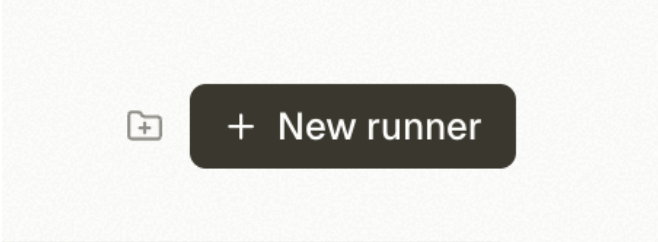
4
Ask Runner to set up the job
Choose Ask Runner to create it. This opens a new session with the first line already filled in.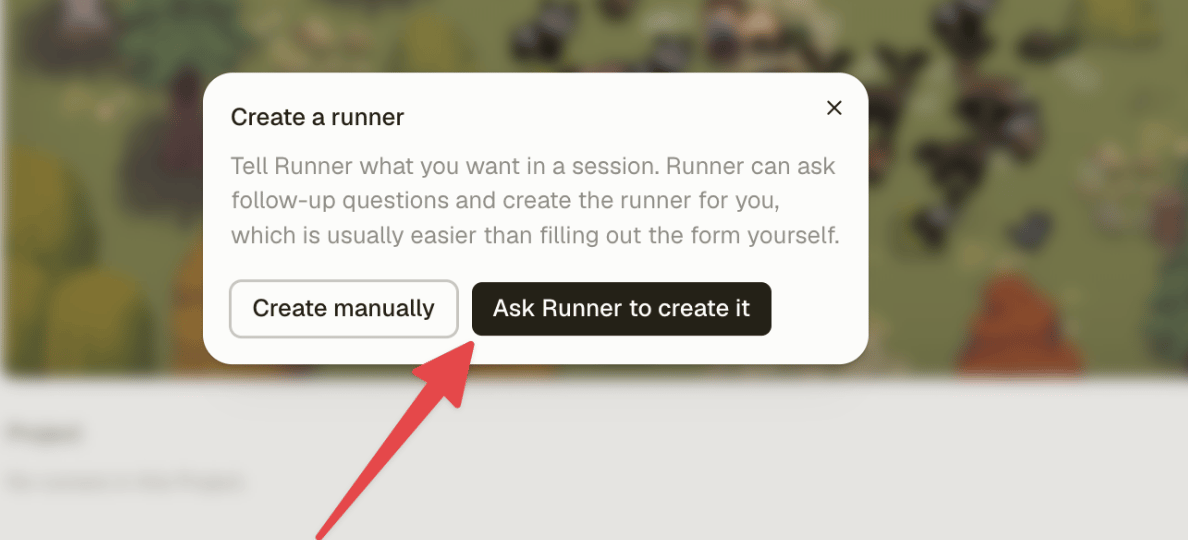
5
Describe your Personal Assistant
Add this below the prefilled line:Click Send, then answer Runner’s questions. Give it real details. One current priority and one thing it shouldn’t touch will do more than another paragraph about being proactive.
6
Confirm the setup
Read the final name and prompt. Check the 9am schedule and timezone. Because you started from the main Runners page, it begins under No project with no Runner-specific tool permission overrides.A user-created Runner becomes active as soon as it’s created. Confirm only when you’re ready for the schedule to start.
7
Review the job description
Open Runners and select your new Personal Assistant.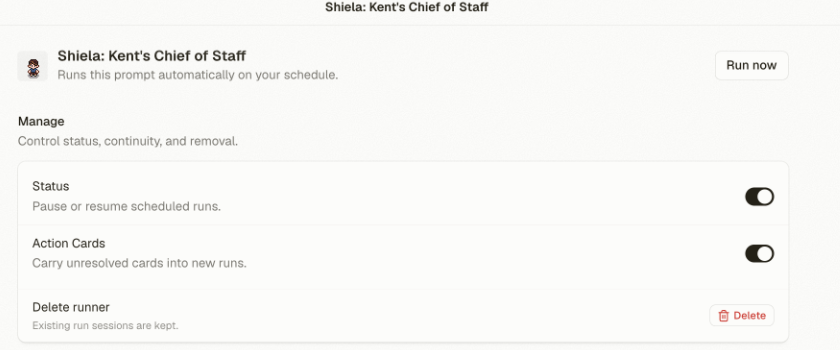
8
Give it a face
Pick an avatar. It saves immediately. If you changed anything else, click Save changes.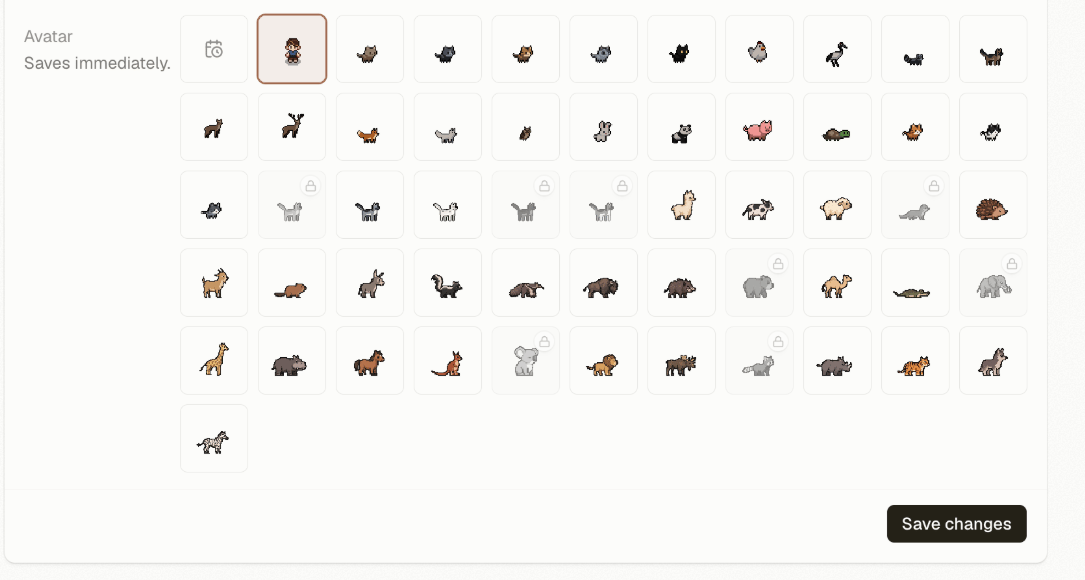
9
Run it now
Don’t wait until tomorrow morning. Click Run now.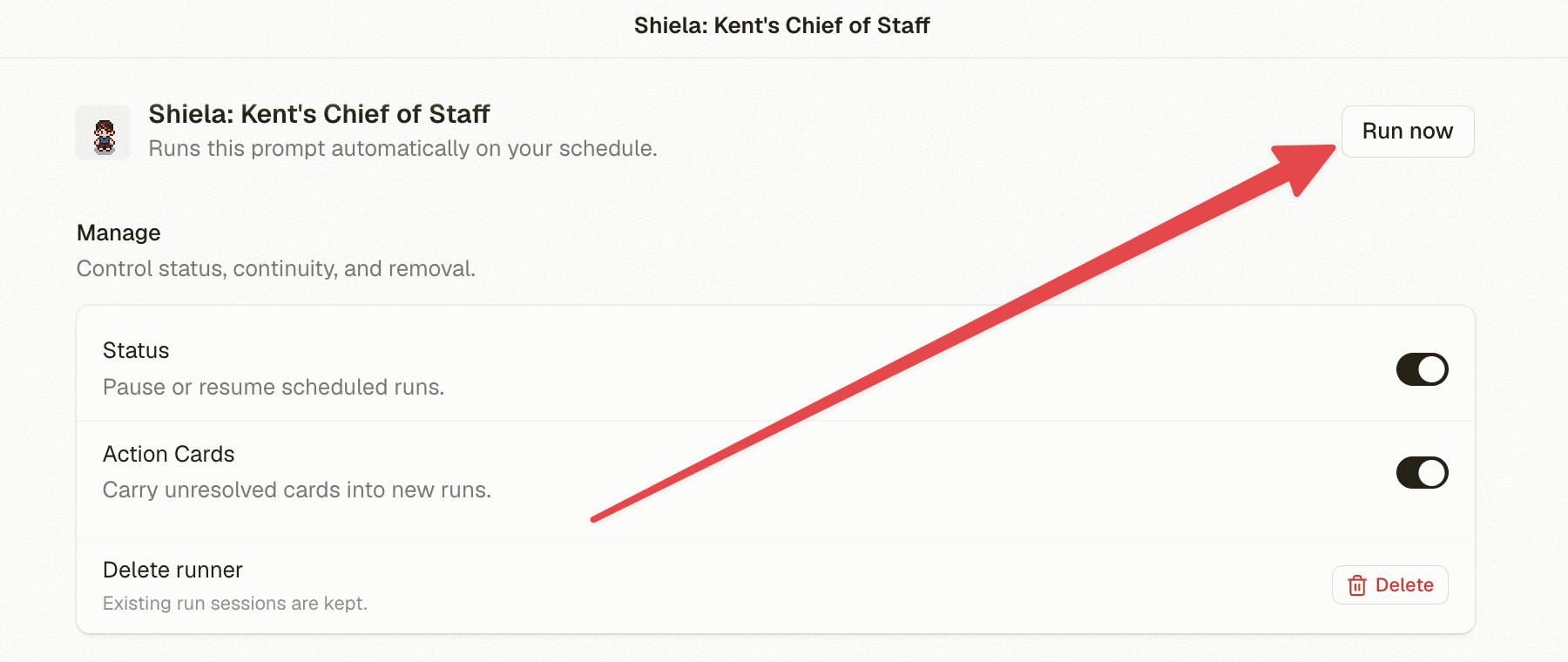
10
Give it useful feedback
Talk to it the way you would a colleague. Be direct:
- “I didn’t like that example. Be more specific.”
- “I don’t have a car. Use transit options next time.”
- “Tell me about key events at least two days before they happen, not the morning of.”
What carries into the next run
Each run starts in a separate session. Your saved prompt, schedule, timezone, Project, and intelligence setting stay with the Runner. So do any Runner-specific tool permission overrides. Tools without an override use your current Connected Apps settings. The previous run’s output doesn’t come along automatically. Put standing instructions in the saved prompt, background in Project context, and durable personal details in Personal Memory.What’s next?
Choose the next job
Find recurring work with a result you can measure.
Tool permissions
Decide what waits for review and what can run without asking.
Personal Memory
Save the facts and preferences Runner should know across sessions.